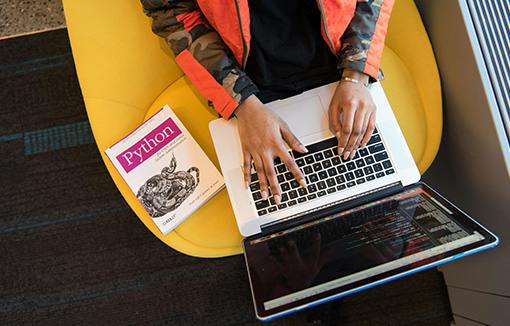
Need help developing your Microsoft Office skills, or wrestling with Python?
We have the workshops to help you master academic software.




Monday 2nd February 2026
Using OneDrive Efficiently
Ever lose a file or struggle with version control? This workshop explains how to set up your student OneDrive for efficient file management, so you can access, organise and amend your files from any device.
Bay Campus
Monday 2nd February 2026
10:00 - 11:00
digital skills, OneDrive, file management
Sign up to this workshop
Getting the most from Outlook
Learn the key elements of a professional email. This workshop also covers how to prioritise the emails you receive, manage events in your calendar, create a to-do list and share files in different ways.
Bay Campus
Monday 2nd February 2026
11:00 - 12:00
digital skills, Outlook, emails, calendar, to-do lists
Sign up to this workshop
Setting up a spreadsheet
Want to find an efficient way to process your data? Learn how to sort and label large quantities of information enabling you to quickly extract the information you need.
Bay Campus
Monday 2nd February 2026
13:00 - 15:00
digital skills, Excel
Sign up to this workshop
Tuesday 3rd February 2026
Reading Skills
This course will introduce you to different strategies to improve your vocabulary and reading comprehension. You will learn ways to improve your reading in English, using academic and news text sources.
Bay Campus
Tuesday 3rd February 2026 (Session 2 of 5)
14:00 - 15:00
study skills, english language support, academic reading
Sign up to this 5 week course
Thursday 5th February 2026
The principles of slide design
Do your presentations engage your audience? Come along to our hands-on slide design workshop and discover top tips to make the most of Microsoft PowerPoint. Create better looking presentations and avoid the basic errors that cause your audience to switch off.
Bay Campus
Thursday 5th February 2026
10:00 - 12:00
digital skills, PowerPoint, slide design
Sign up to this workshop
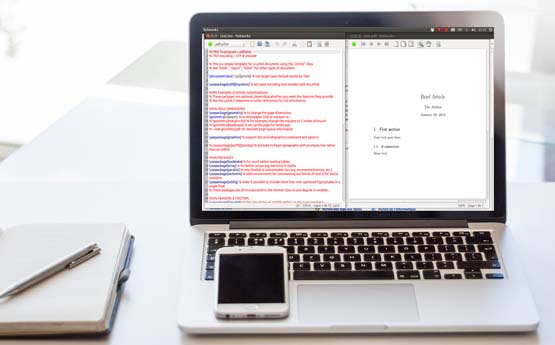
Getting to know LaTeX
This workshop is a beginners guide to writing documents in LaTeX using Overleaf. No prior knowledge is needed for this workshop or any other computing language, it will cover the basics of LaTeX including document structure, typesetting text, tables, figures, equations and Inserting references.
Bay Campus
Thursday 5th February 2026
11:00 - 12:00
Pronunciation
The course is designed for students whose first language is not English. It will allow you to practise different English sounds and sentence stresses, to make your speech more fluent and natural and help you be better understood.
Bay Campus
Thursday 5th February 2026 (Session 2 of 8)
12:00 - 13:00
English pronunciation, English sounds, sentence stress
Sign up to this 8 week course
Intermediate Latex
This intermediate workshop builds on the getting to know LaTeX workshop by exploring the presentation package in LaTeX called beamer. We will also cover more complicated packages in LaTeX and look at how to use them.
Bay Campus
Thursday 5th February 2026
12:00 - 13:00

Getting to know Python
This workshop is a beginner’s guide to python. We will cover basic concepts (variable, types, lists), and then move onto using functions, methods and packages to improve your code writing skills. At the end we will touch on NumPy a fundamental data science package in Python.
Bay Campus
Thursday 5th February 2026
13:00 - 14:00

Page Layout & Time saving tips
Learn to adjust page layout, insert or remove page or section breaks and add numbering and a coversheet. Master editing shortcuts and tools to dictate and help proofread your work, plus troubleshooting tips.
Bay Campus
Thursday 5th February 2026
13:00 - 15:00
digital skills, Word, page margins, section breaks, page numbering, dictation, proofreading
Sign up to this workshop
Academic Writing in English
This course best suits students whose first language is not English. You will learn and develop skills in written academic English. The course covers the overall purpose and structure of academic writing, plus elements of academic grammar and vocabulary to improve your writing.
Bay Campus
Thursday 5th February 2026 (Session 2 of 10)
14:00 - 15:00
writing, grammar

Intermediate Python
This intermediate workshop builds on the getting to know Python workshop by exploring data visualisation through Matplotlib, understanding dictionaries and Pandas, using logic, control flow and filtering as well a loop for executing repeated code.
Bay Campus
Thursday 5th February 2026
14:00 - 15:00